GPT Image 2 is now available on Nano Banana Pro
GPT Image 2 AI Image Generator
GPT Image 2 Creative Image Workflow
Create and edit images with GPT Image 2. Start from a prompt or upload reference images, choose 1K, 2K, or 4K output, and shape visuals for design, marketing, ecommerce, and content workflows.
Prompt-first creation
Text to Image
Reference-guided editing
Image to Image
Flexible output formats
1K - 4K
Choose Model
Workflow
0/2000 characters
Results
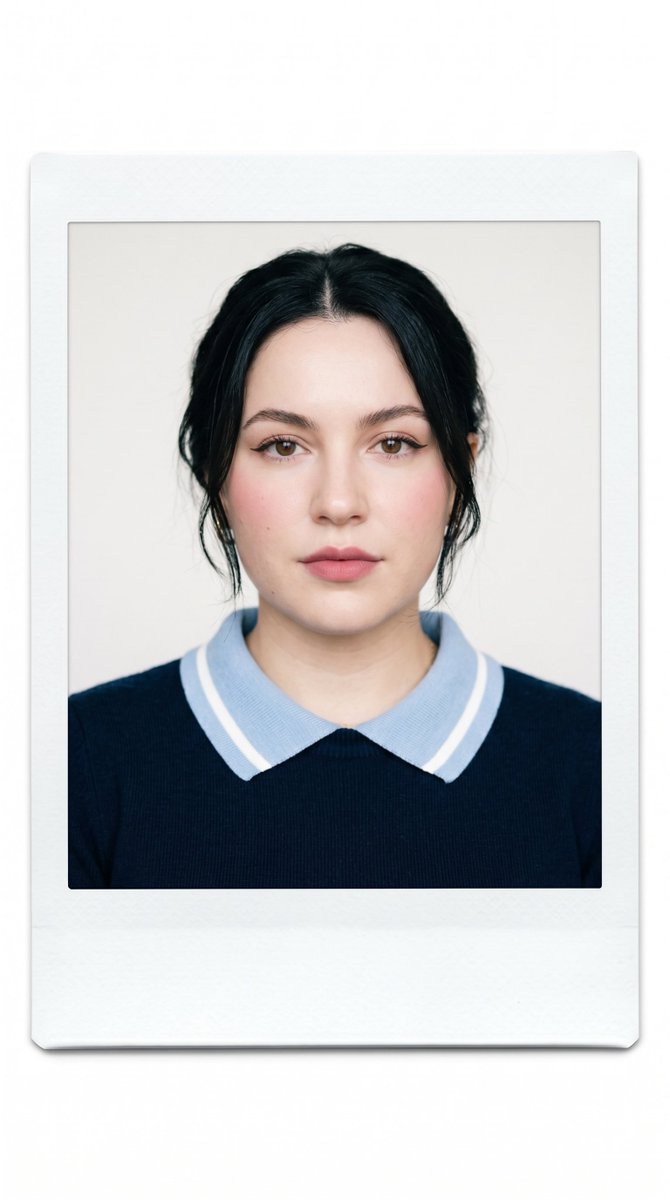
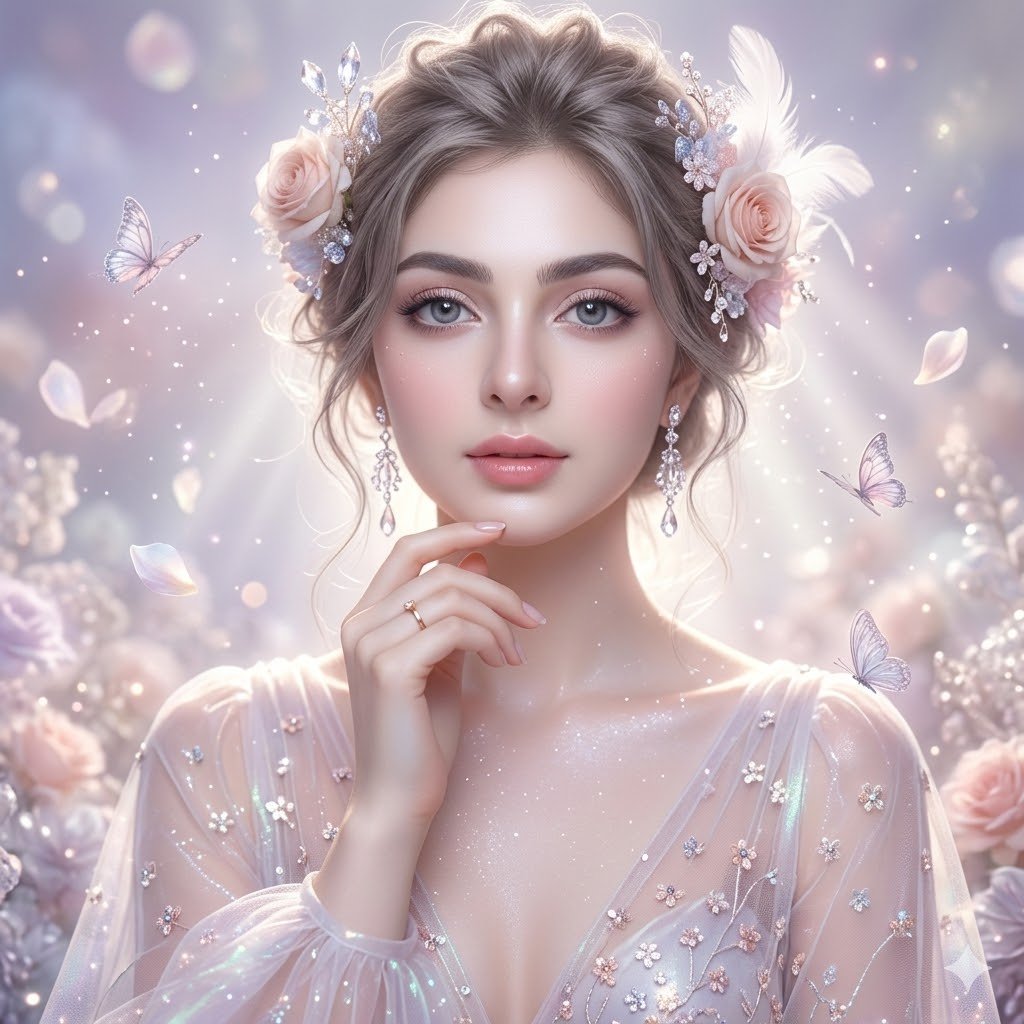
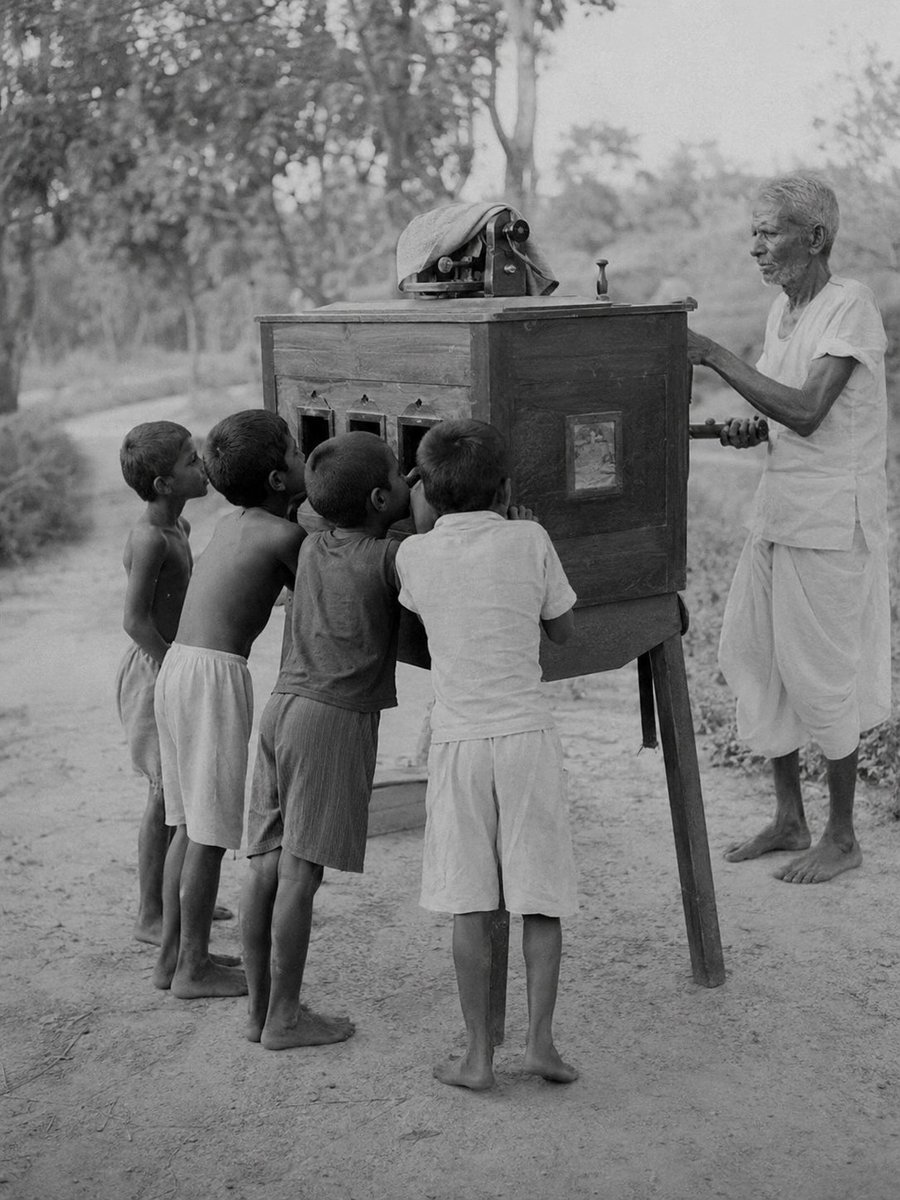
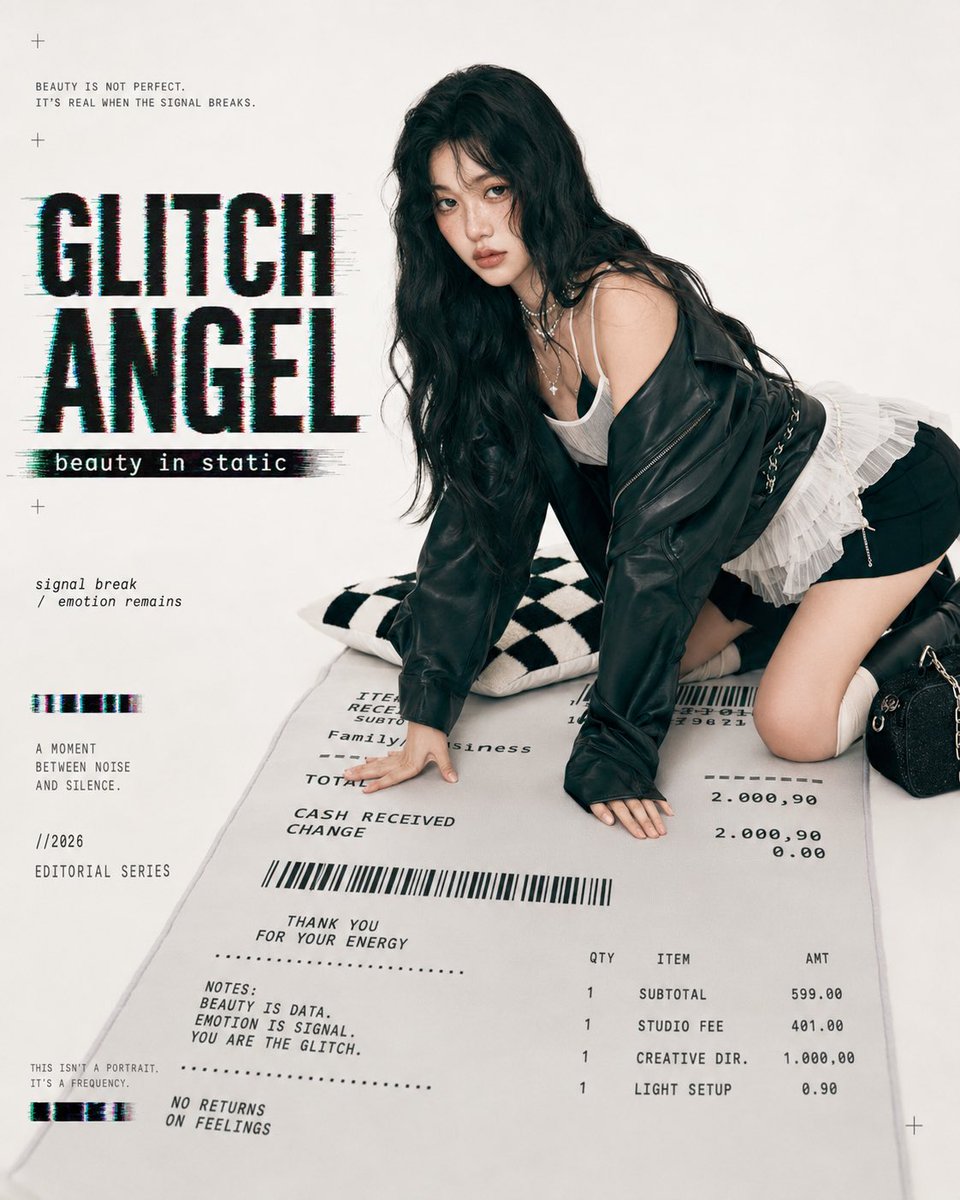
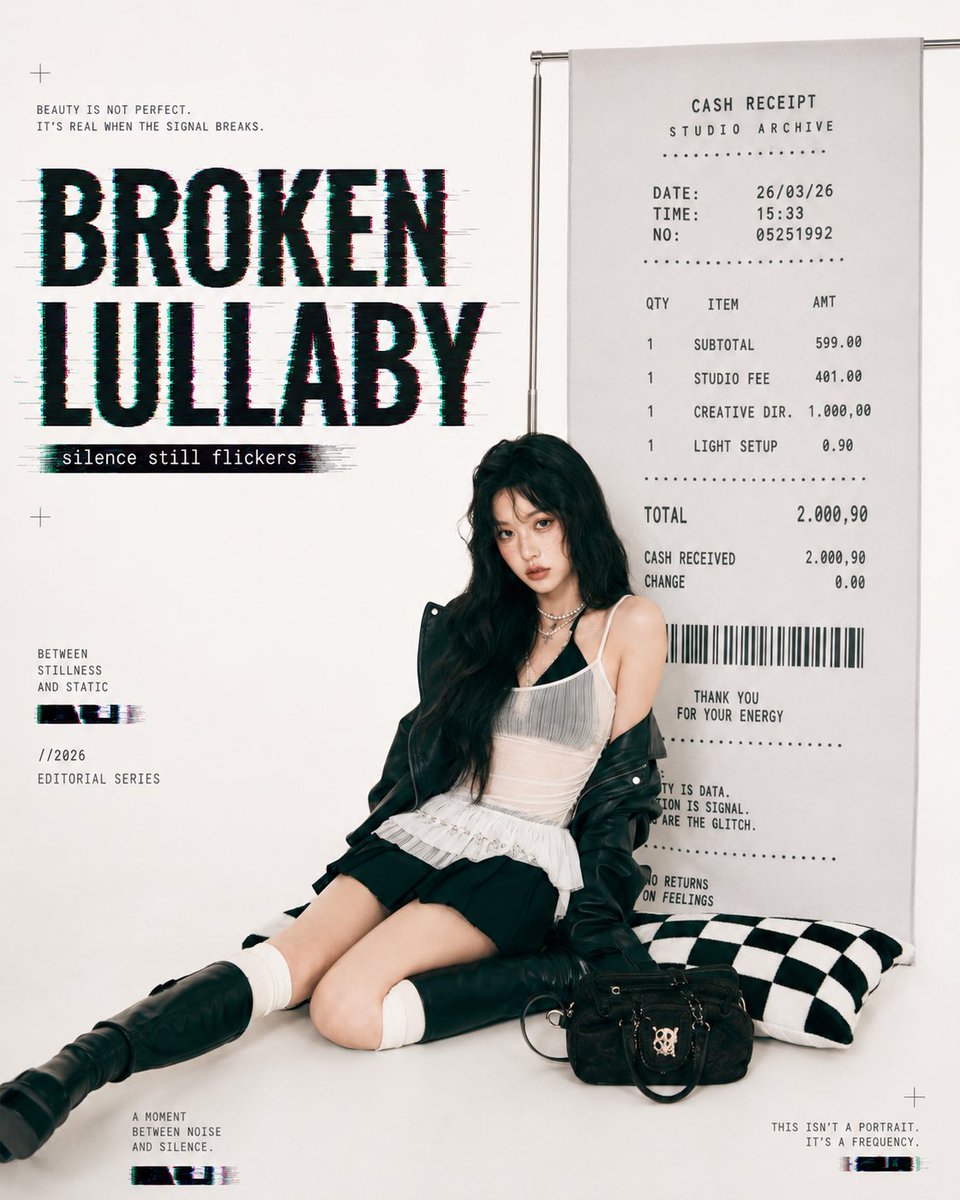
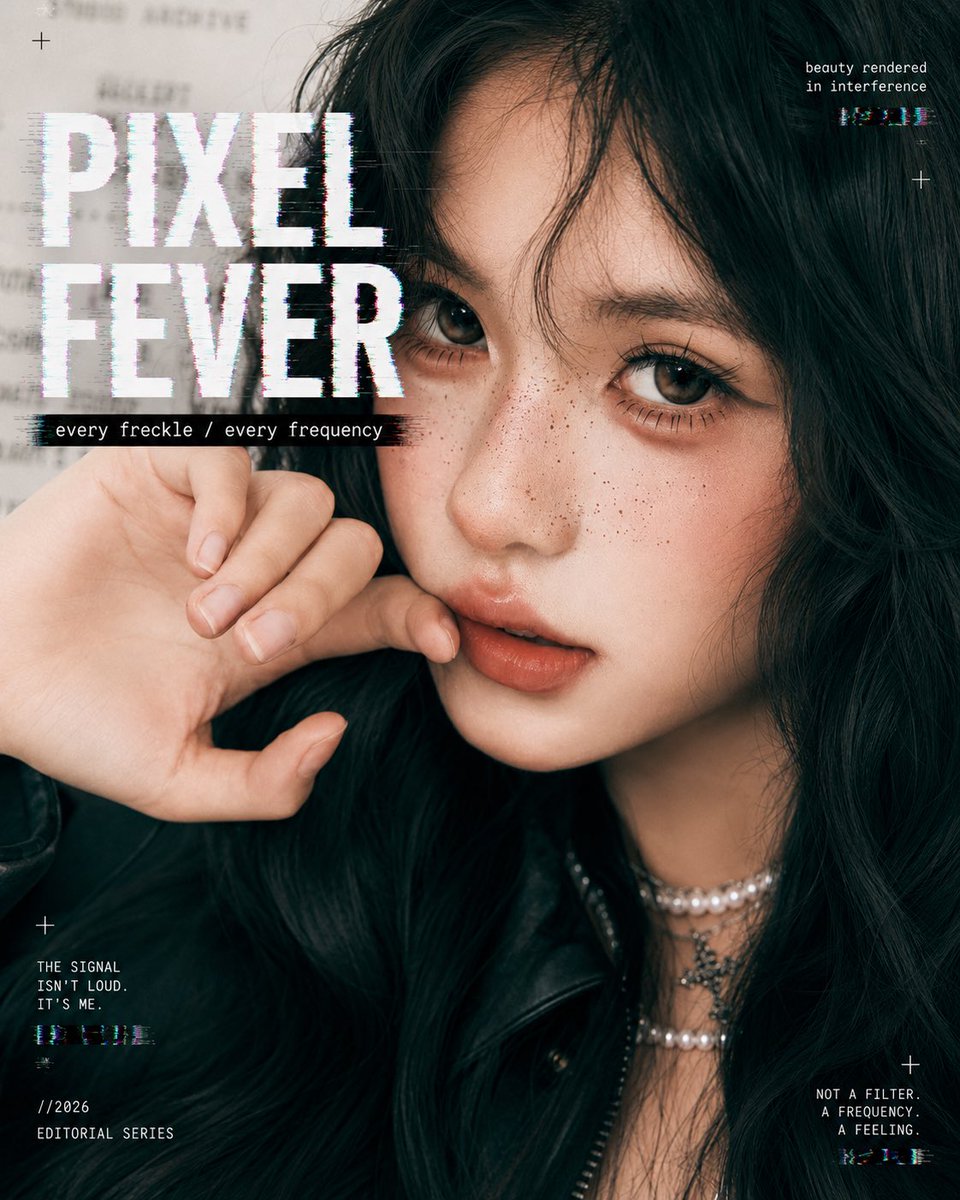
GPT Image 2 image examples
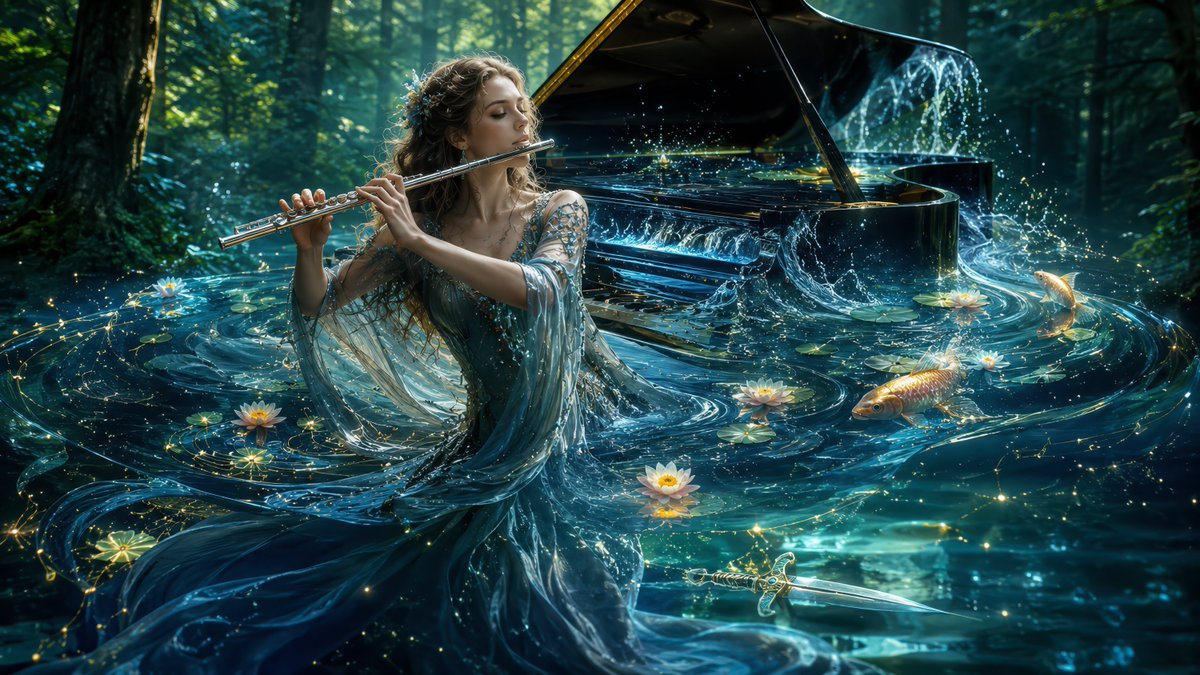
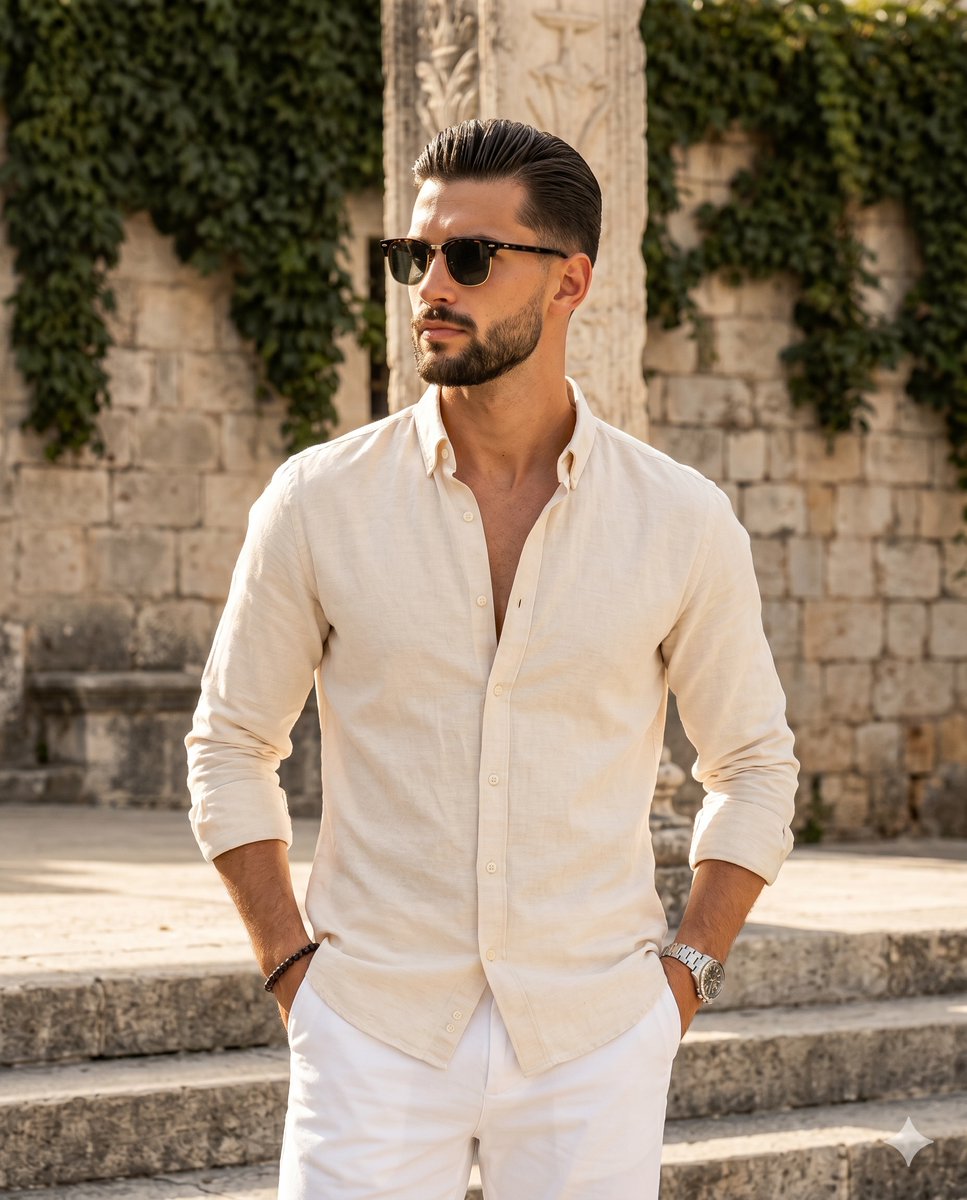
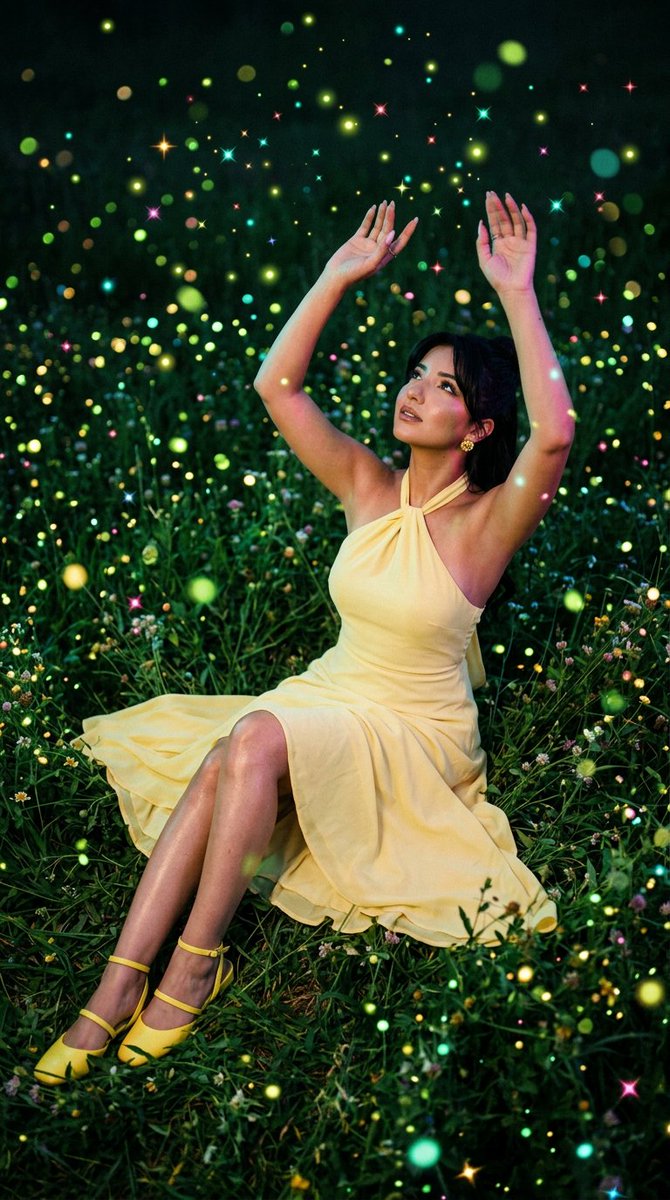
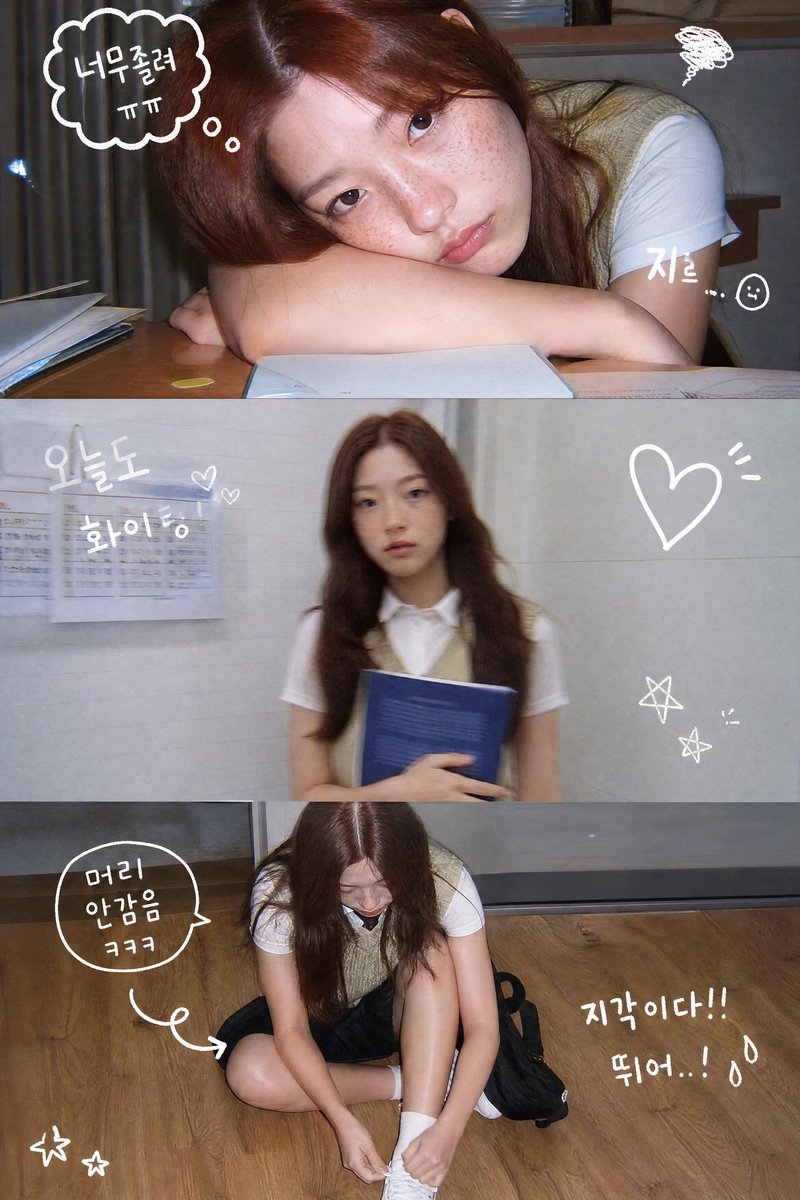
Explore R2-hosted GPT Image 2 examples for portraits, product images, posters, editing workflows, and illustration styles.
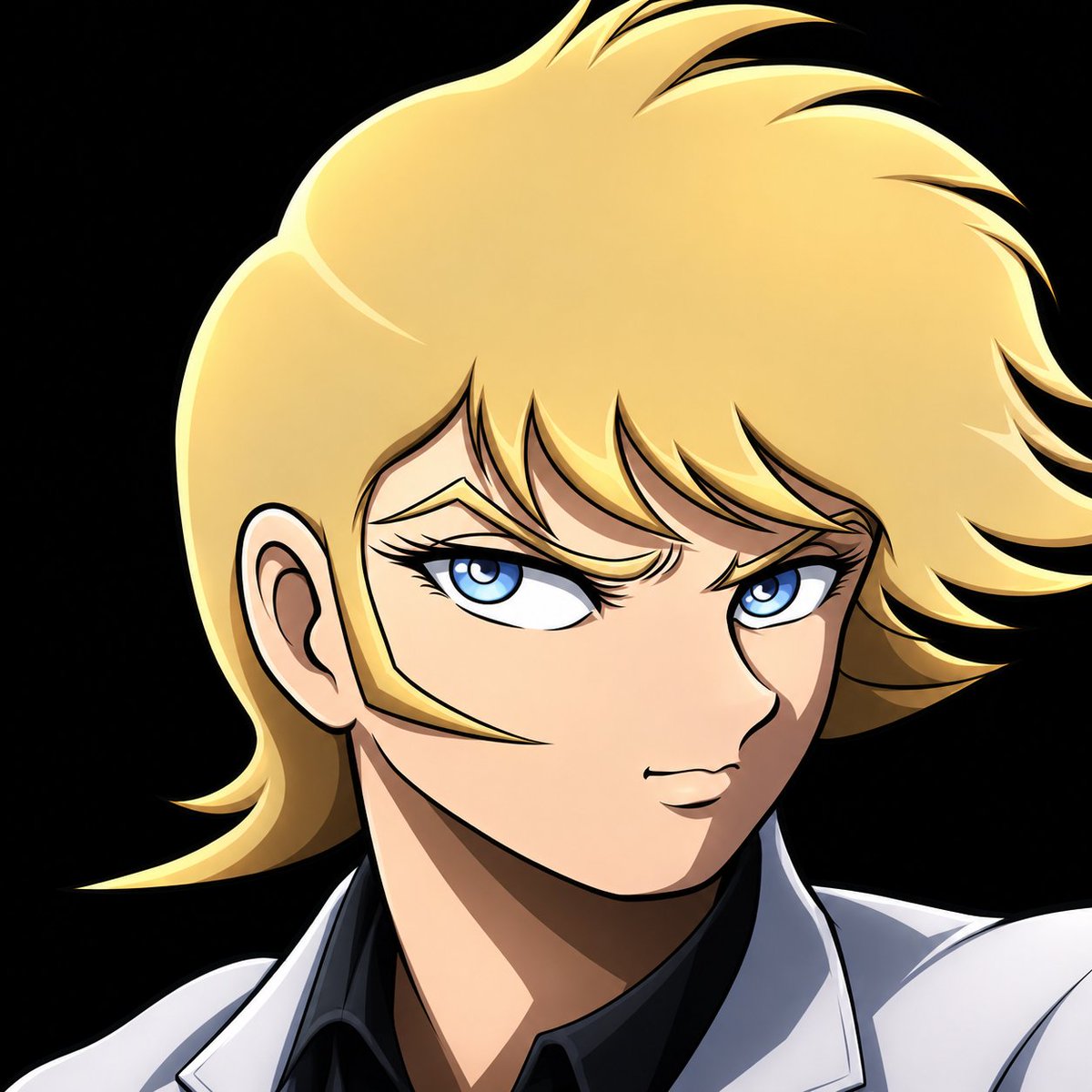
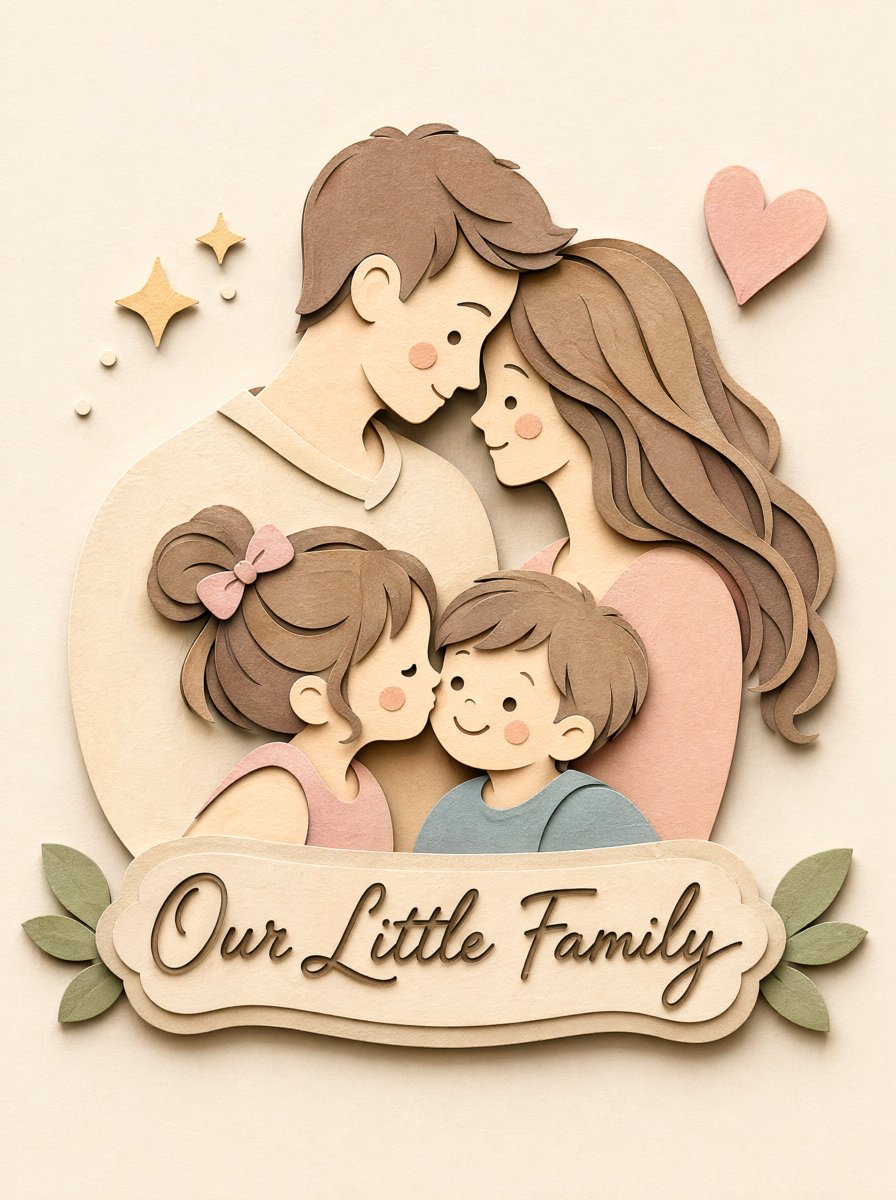
What is GPT Image 2?
GPT Image 2 is an AI image generation workflow that turns text prompts and reference images into finished visuals. It supports both text-to-image creation and prompt-guided image-to-image editing.
Prompt-first creation
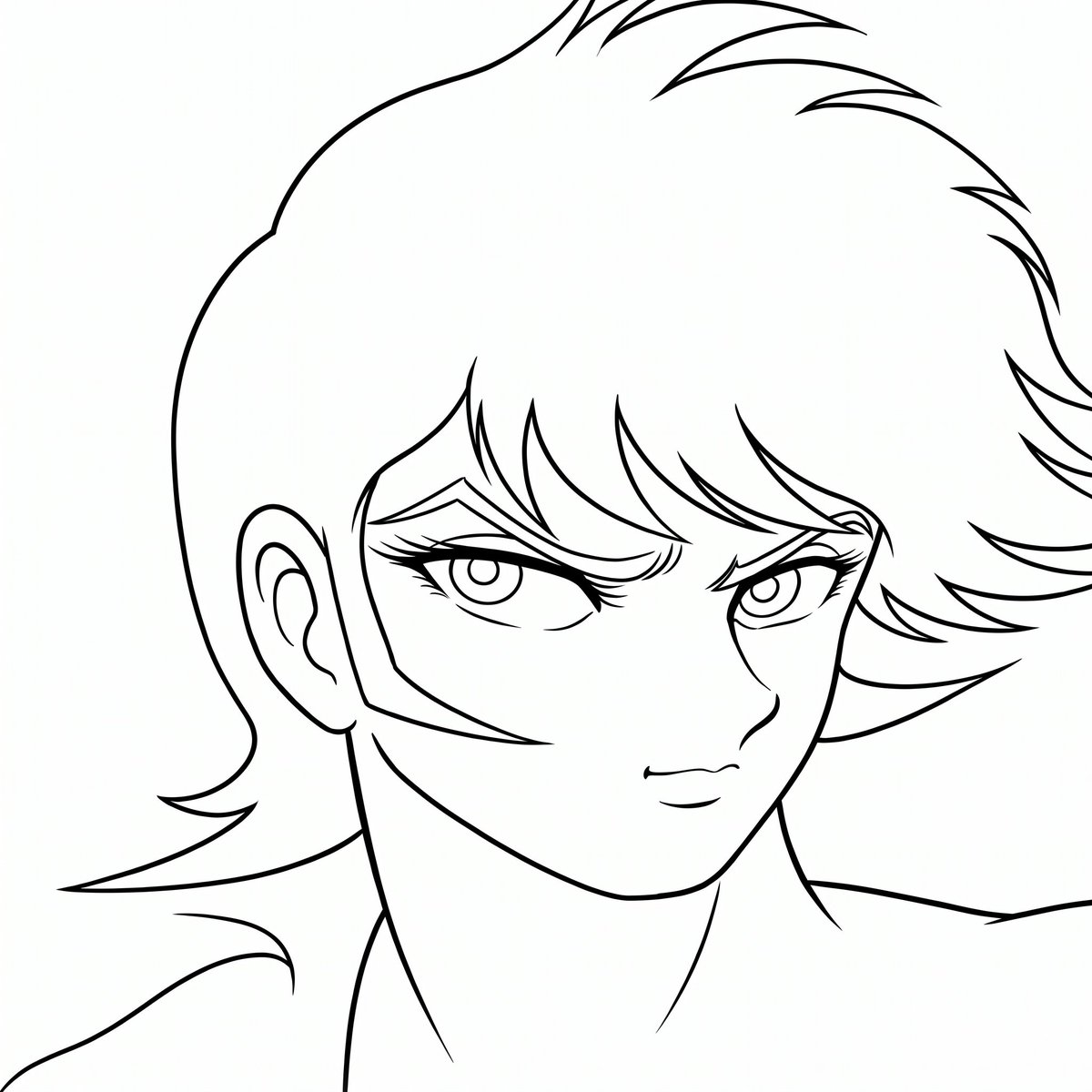
Describe style, subject, composition, lighting, and text requirements in one prompt, then generate a focused image from scratch.
Reference-guided editing
Upload images to guide the result, preserve visual direction, or transform a draft into a cleaner production asset.
Flexible output formats
Choose common ratios such as square, portrait, landscape, wide, and tall layouts, with 1K, 2K, and 4K resolution options.
Creative workflow fit
Build campaign concepts, product images, thumbnails, editorial visuals, and design variations without switching tools.
How to Use GPT Image 2
Generate a polished image in a simple prompt, settings, and download workflow.
Write the prompt
Describe the final image, including subject, setting, style, camera angle, colors, and any text that should appear.
Choose settings
Select text-to-image or image-to-image mode, upload references when needed, then choose aspect ratio and resolution.
Generate and refine
Generate the image, review the result, reuse the prompt for variations, and download the output when ready.
GPT Image 2 FAQ
GPT Image 2 is used to create and edit images from prompts and reference images. It is suitable for design concepts, marketing assets, ecommerce visuals, thumbnails, and editorial illustrations.
Yes. GPT Image 2 supports a reference-based image-to-image workflow, so you can upload images and guide the output with a prompt.
This page exposes GPT Image 2 generation with 1K, 2K, and 4K output options. The available settings may depend on the selected mode and current platform configuration.
Start with the subject and purpose, then add style, composition, lighting, colors, aspect ratio, and any text requirements. Clear constraints usually produce more usable results.
GPT Image 2 can support commercial design workflows, but usage rights depend on your account, plan, input assets, and platform terms. Review the pricing and terms pages before publishing client or paid work.
Generate a polished image in a simple prompt, settings, and download workflow.
Start Creating with GPT Image 2
Open the generator, choose GPT Image 2, and create prompt-based or reference-guided AI images in minutes. Explore Nano Banana Pro