Seedream 5.0 Pro is now available on Nano Banana Pro
Seedream 5.0 Pro AI Image Generator & Guide
Organize complex topics into structured diagrams, educational boards, and information-rich layouts.
Generate information-rich graphics, precisely edited visuals, photographic imagery, and multilingual creative assets with Seedream 5.0 Pro directly on this page.

High-density infographics
High-density information design
Precision editing and layer separation
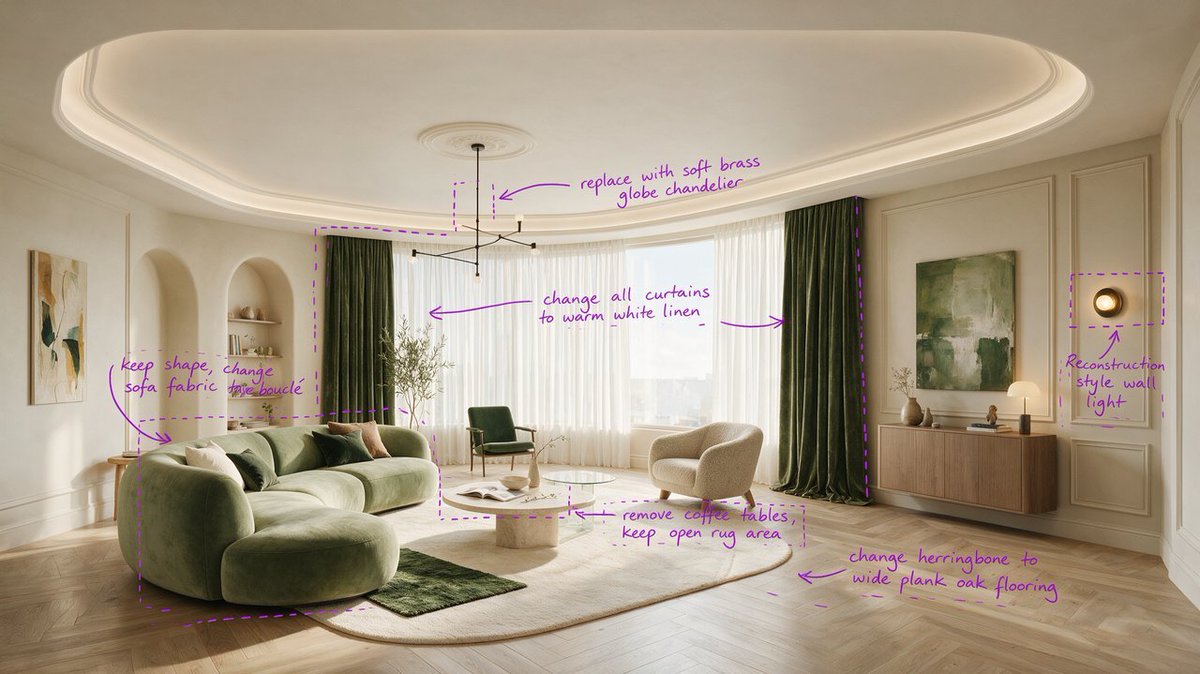
Precise editing with spatial guidance
Photographic visual quality
Photographic and multilingual workflows
Choose Model
Workflow
0/3000 characters
Results


Seedream 5.0 Pro is ByteDance's professional AI image model. ByteDance highlights its ability to organize dense visual information, follow interactive edit instructions, separate image layers, create photographic visuals, and render content across widely used languages.
Seedream 5.0 Pro at a glance
Seedream 5.0 Pro is positioned for production-oriented image creation and editing where structure, control, and visual finish matter.
- 1High-density information design
- 2Precise editing with spatial guidance
- 3Photographic and multilingual workflows
Core capabilities
These capabilities summarize ByteDance's official positioning for the model.
High-density infographics
Organize complex topics into structured diagrams, educational boards, and information-rich layouts.
Precision editing and layer separation
Use spatial annotations, sketch guidance, and interactive instructions to target changes and separate visual layers.
Photographic visual quality
Build realistic scenes with considered lighting, shadows, materials, and natural-looking skin detail.
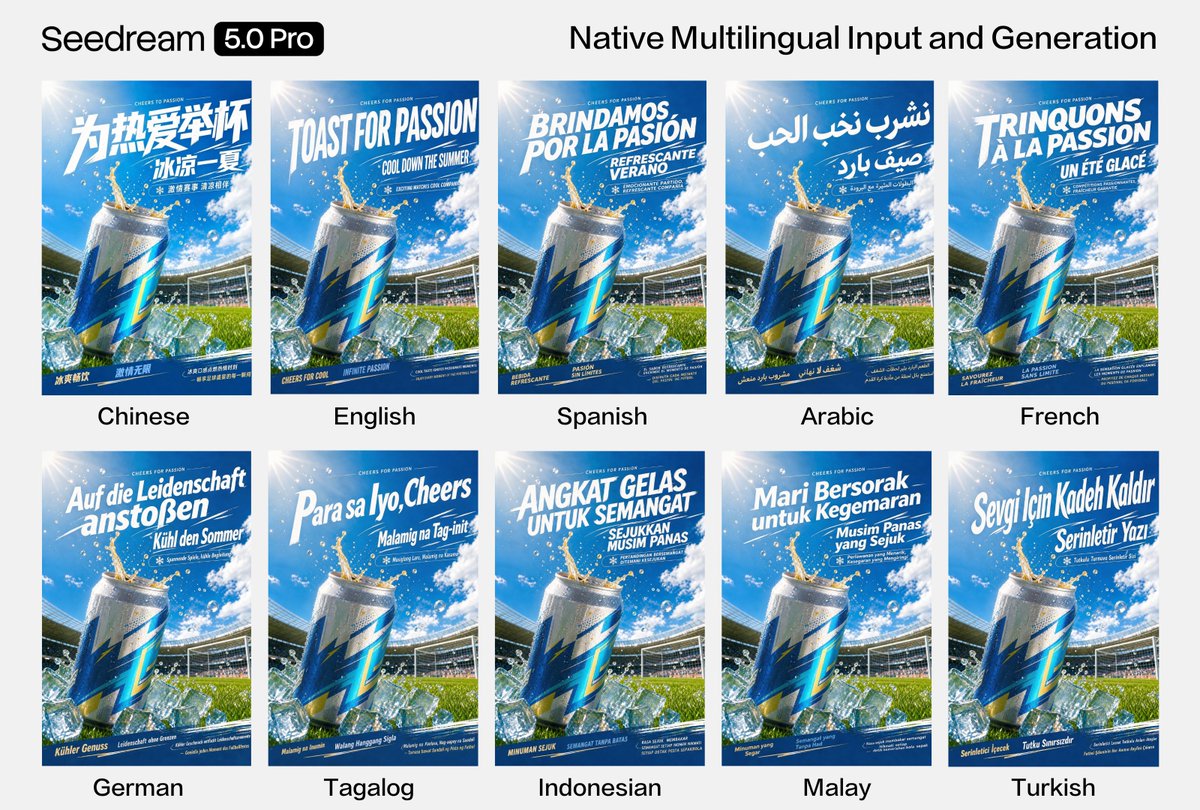
Native multilingual generation
Create visual content across widely used languages for localized posters, campaigns, and information design.
Creative workflow directions
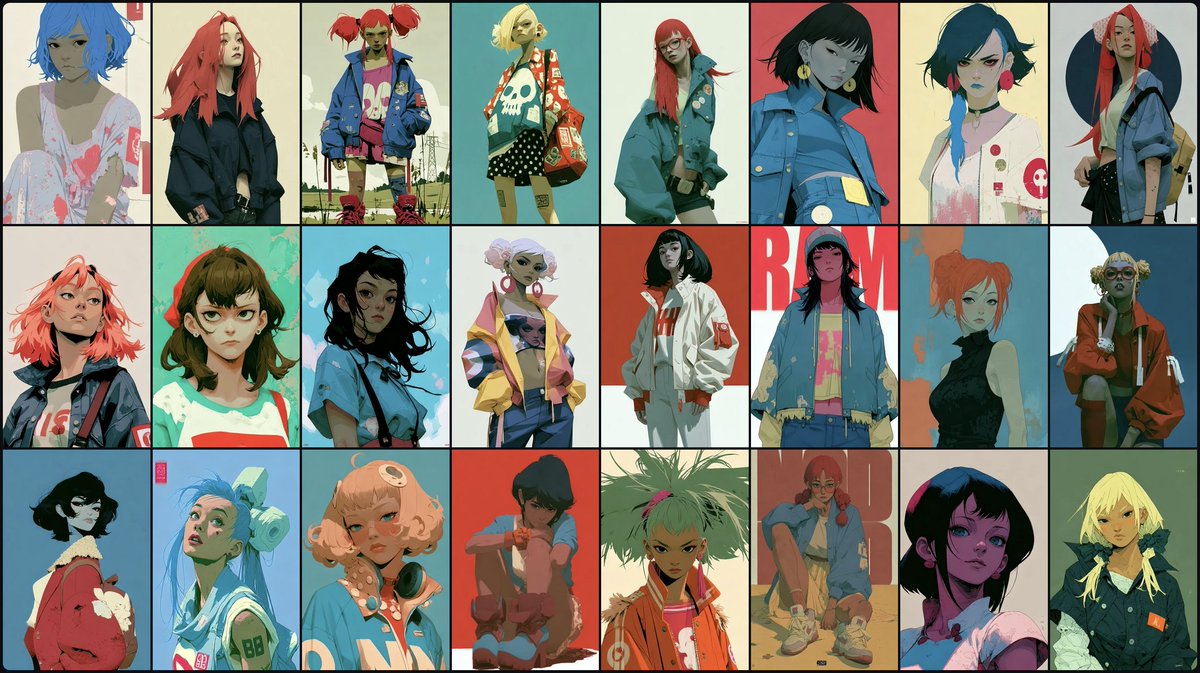
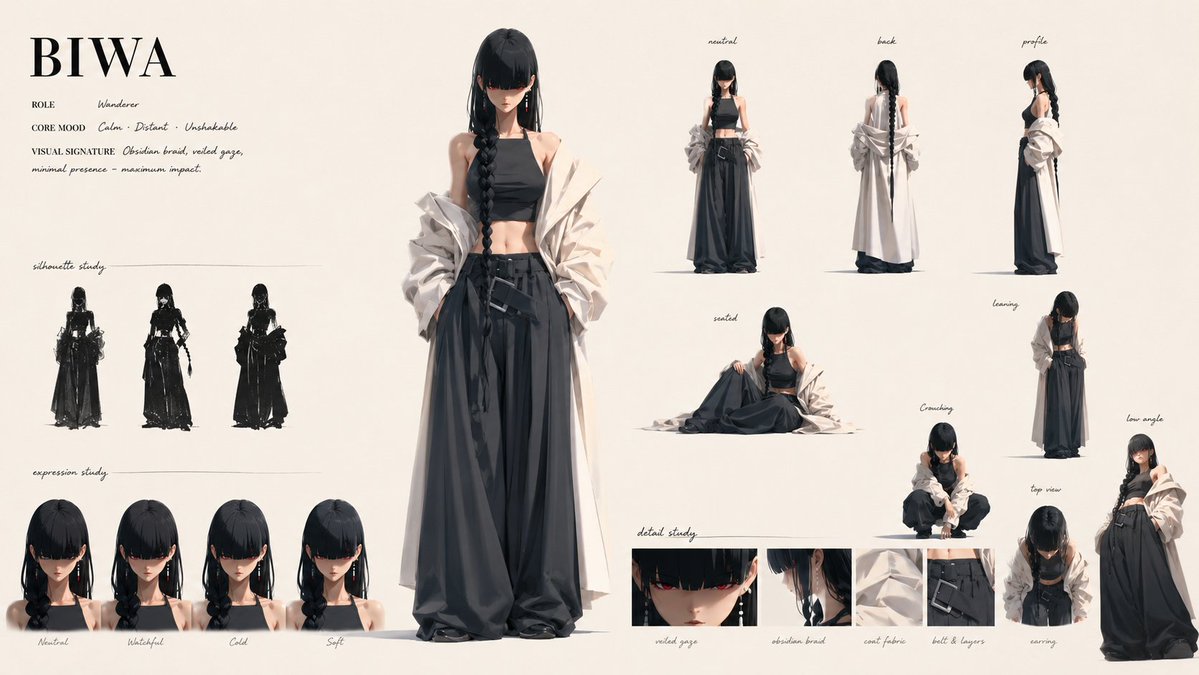
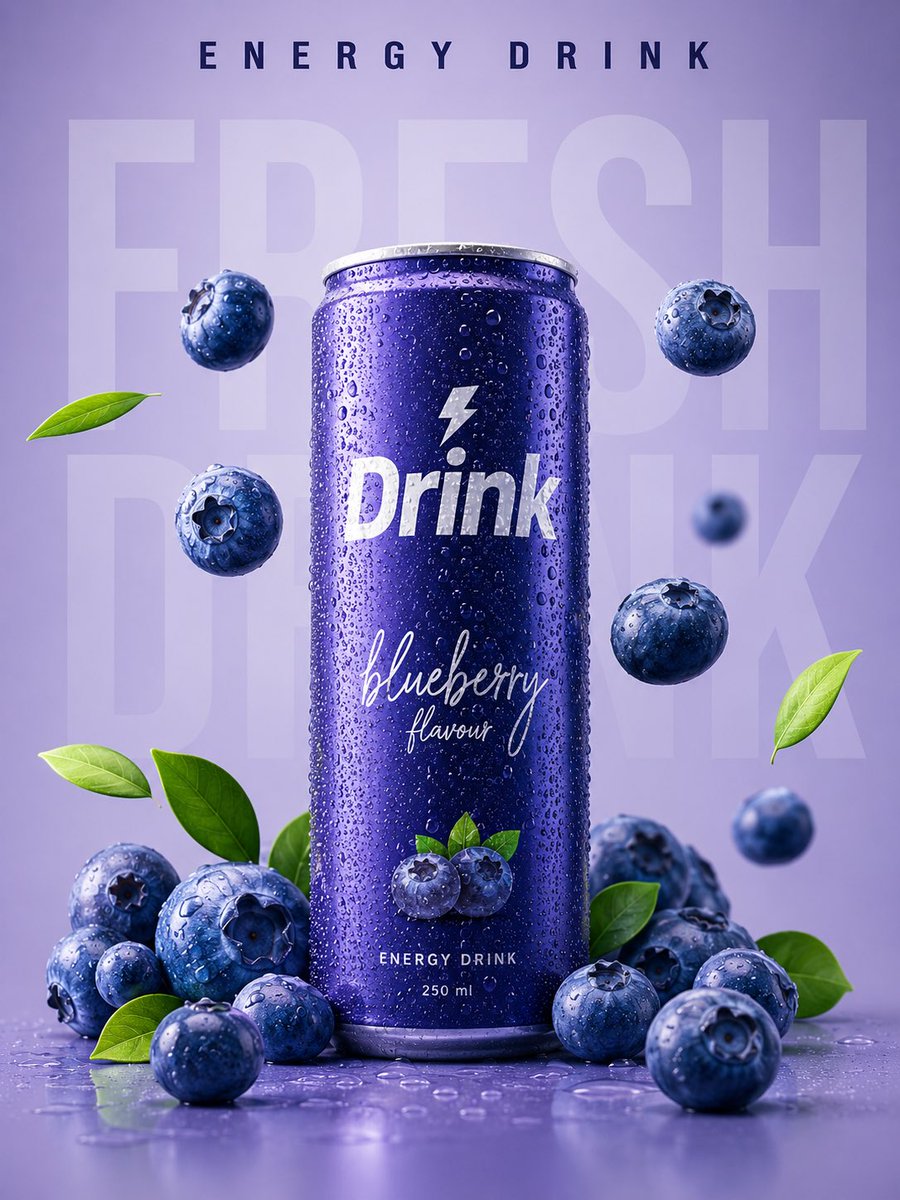
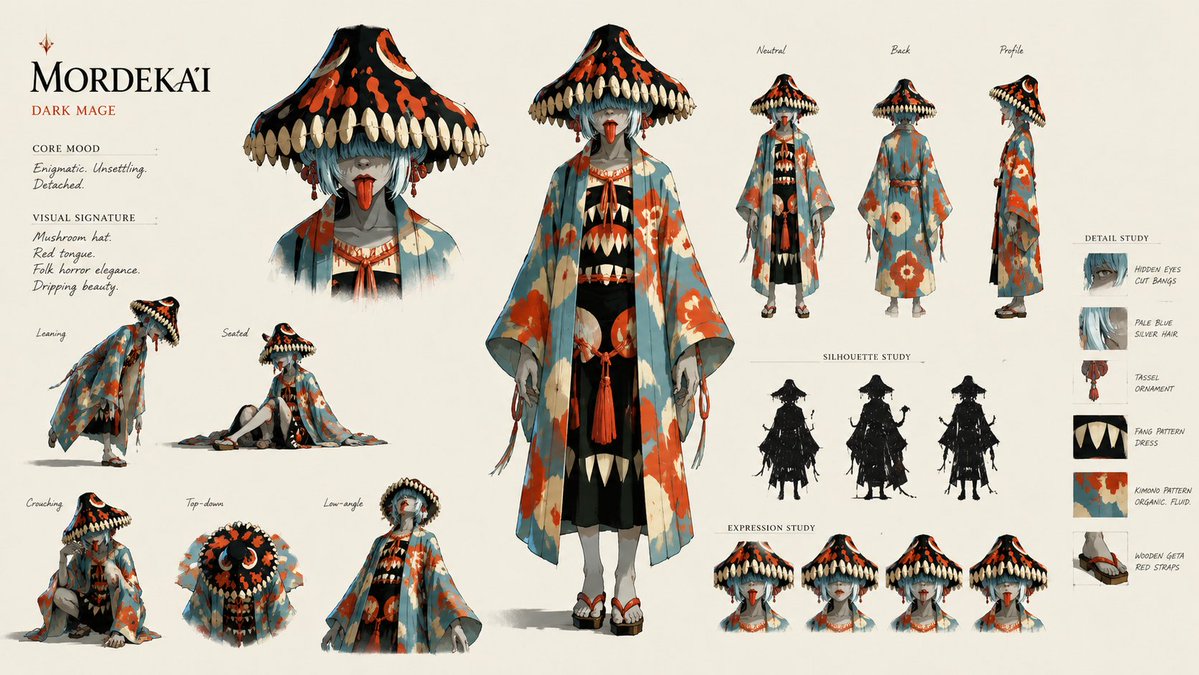
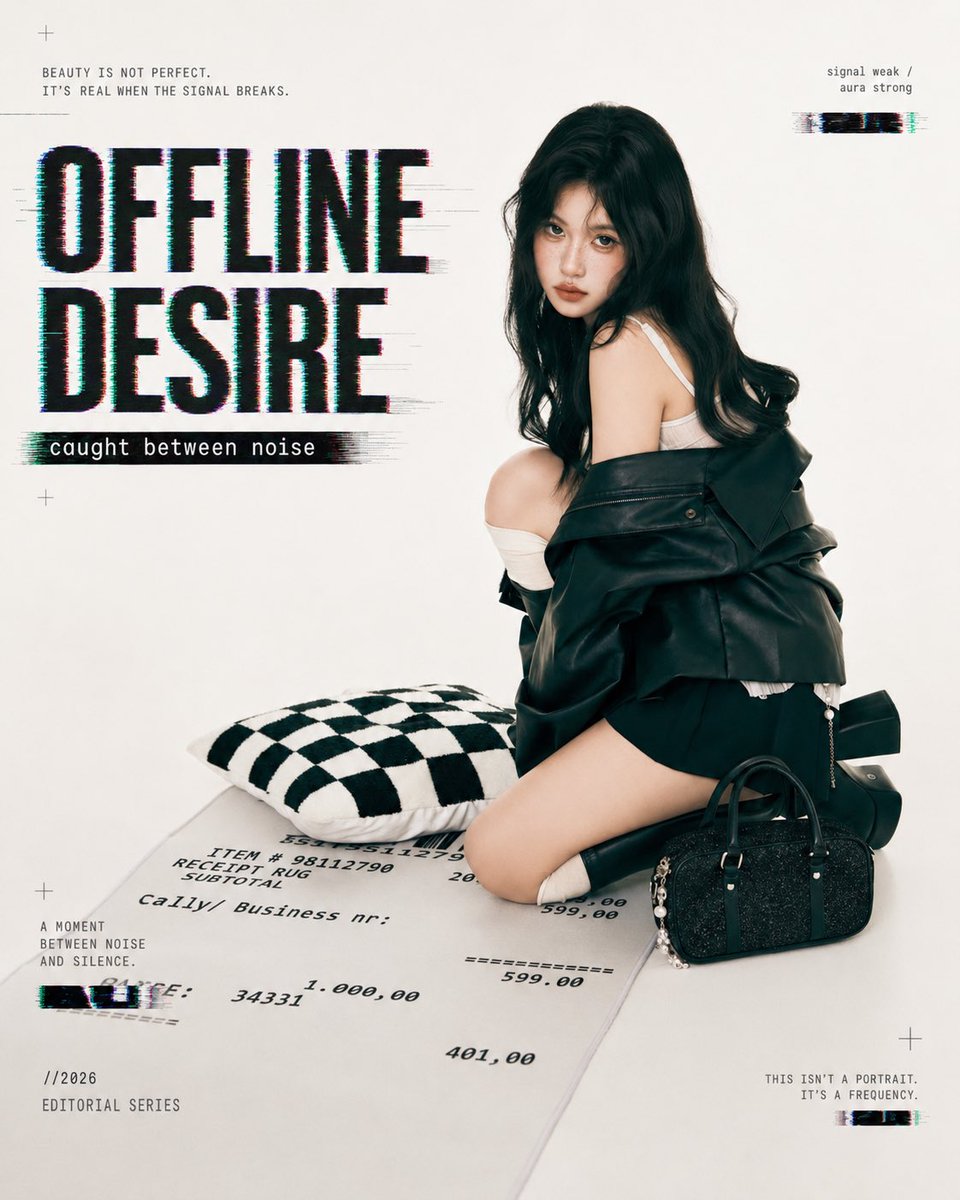
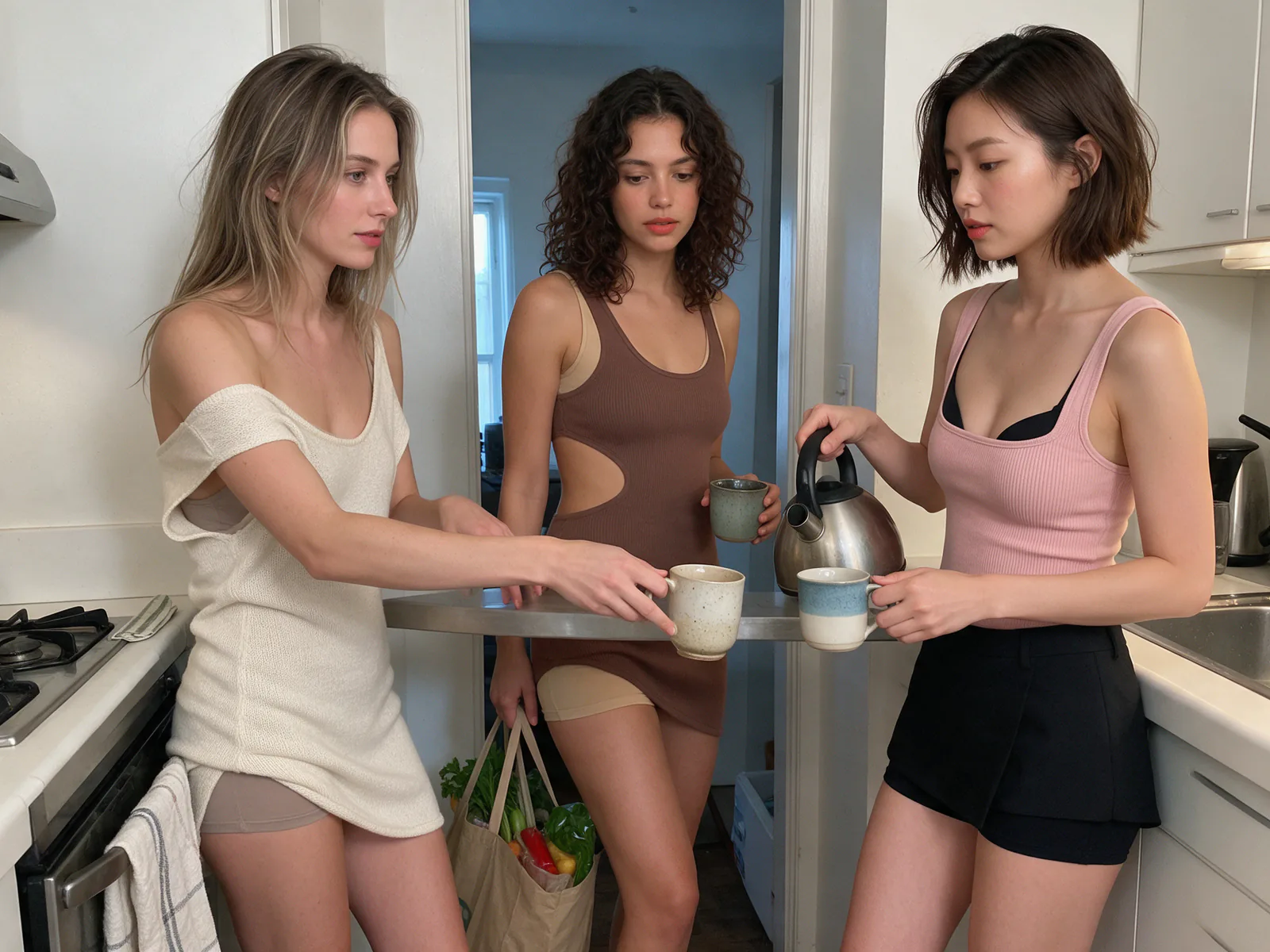
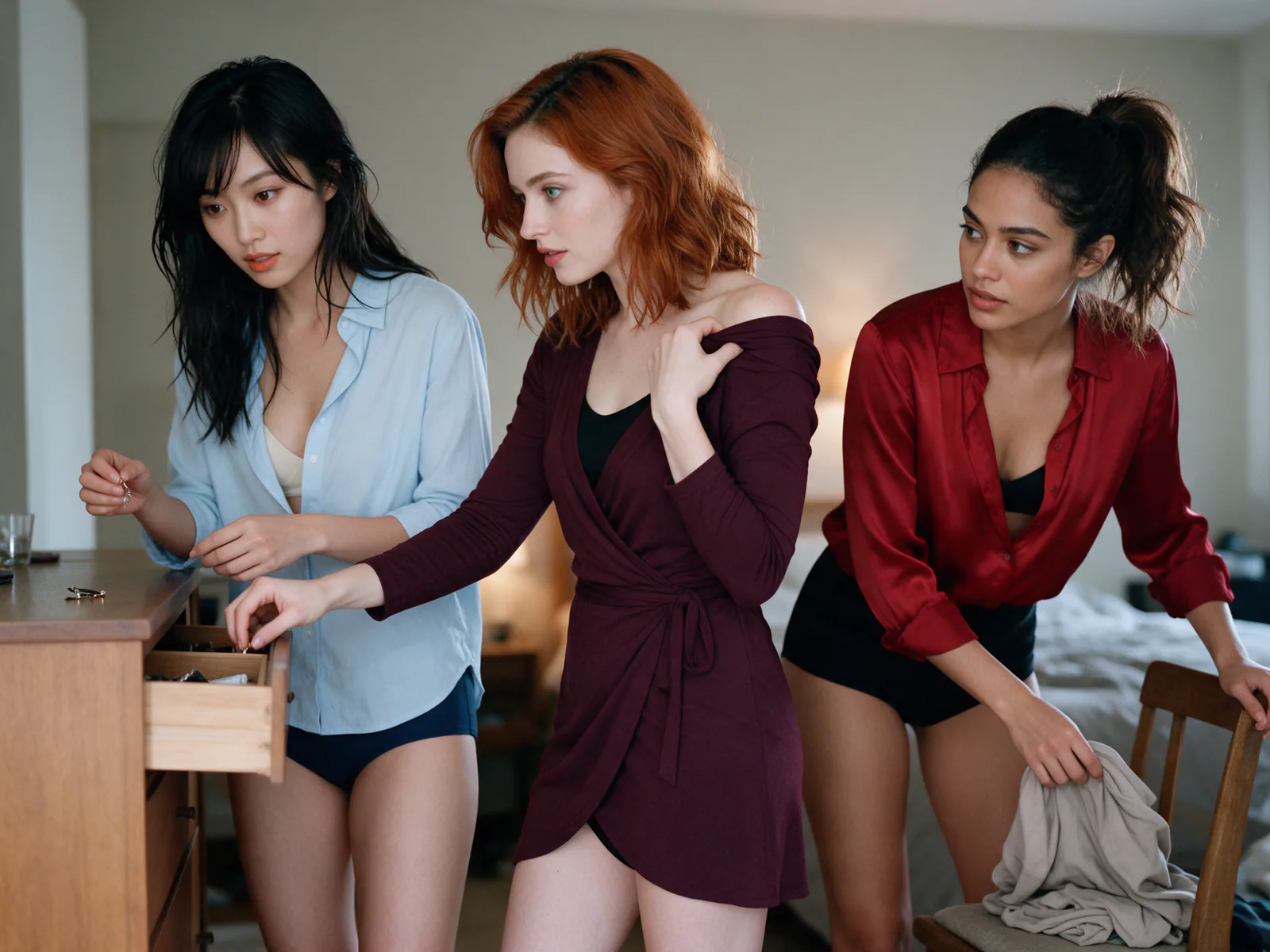
Use these visual references to plan composition, typography, portrait treatment, and style exploration. These are workflow examples from the site's existing visual library; they are not presented as verified Seedream 5.0 Pro outputs.


Model positioning comparison
Choose by workflow fit rather than unverified scores or prices.
| Decision point | Seedream 5.0 Pro | Seedream 5.0 Lite | Nano Banana Pro |
|---|---|---|---|
| Positioning | Production-oriented Seedream model | Lighter Seedream 5.0 option | Alternative professional image workflow |
| Information design | Strong fit for dense structured visuals | Fit for simpler everyday layouts | Useful for prompt-led visual creation |
| Editing approach | Interactive precision and layer separation | Streamlined creation and edits | Prompt and reference-guided editing |
| Language workflow | Native multilingual visual creation | Seedream multilingual workflows | Multilingual creative workflows |
| Best fit | Complex production briefs | Lighter routine tasks | General professional image tasks |
For models currently available on this site, explore Nano Banana 2 GPT Image 2
Where Seedream 5.0 Pro fits
Match the model's documented strengths to a clear visual brief.
Educational infographics
Structure timelines, explainers, diagrams, and classroom-ready visual summaries.
Product and marketing visuals
Develop campaign boards, product concepts, posters, and localized creative directions.
Portraits and editing
Plan realistic portraits and apply targeted changes through visual or spatial guidance.
Multilingual content
Prepare visual communication for regions that need different languages and typography.
A three-step image workflow
A clear brief helps any supported image model produce more useful results.
Define the output
State the audience, format, visual hierarchy, language, and final use.
Prepare prompts and references
Describe subject, composition, style, text, and precise edits; add references when supported.
Generate and refine
Review structure and details, then revise the prompt or target specific areas for editing.
Seedream 5.0 Pro FAQ
It is ByteDance's professional AI image model for structured generation and precise editing workflows.
ByteDance presents use cases including dense infographics, photographic imagery, edited compositions, and multilingual visual content.
ByteDance describes spatial annotations, sketch guidance, interactive edits, and layer separation as core capabilities.
Yes. The official overview describes native generation across a dozen widely used languages, which can support localized visual workflows.
It is positioned around production control, information-rich design, precise editing, and photographic quality. The best choice depends on your actual workflow and available access.
Yes. Use the Seedream 5.0 Pro generator on this page for text-to-image creation or switch to image-to-image mode with reference images.
Continue with an available image workflow
Explore the site's current AI Generator or compare plans before starting a project. Explore Nano Banana Pro