
An idea, a prompt, a first image
Nano Banana AI Image Generator
Start with an image you can describe. Nano Banana helps you turn a loose idea into a clear prompt, choose the right input, and review a result you can actually use.
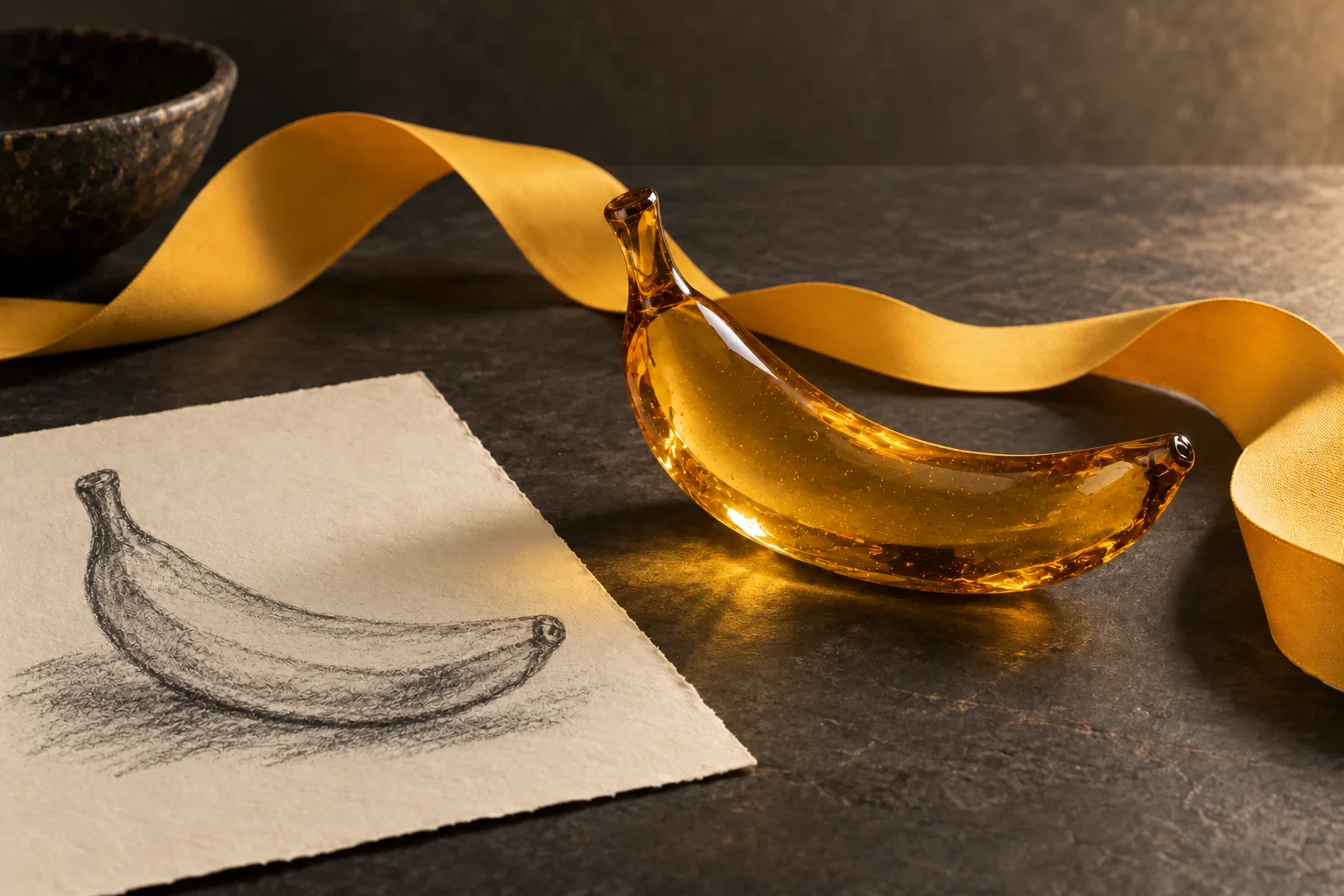
Describe the outcome
Give the image one clear job
Choose your input
Start with text or a reference image
Improve one detail
Review, adjust, and compare
Use the Nano Banana workspace to test a prompt. Nano Banana is selected initially; the visible model selector shows the model that will run your request.
Choose Model
Workflow
0/20000 characters
Your Nano Banana results



What is Nano Banana?
Nano Banana is Google’s family of AI image generation and editing models. Use a written description to create a scene or a reference to guide a change. Choose a version in the workspace, then judge the result against the purpose of your image.
A Nano Banana AI Image Generator turns written instructions, and sometimes reference images, into a new visual. A useful instruction describes an outcome instead of piling up decorative words. A product listing needs different framing from a poster. Give the image one clear purpose and explain what viewers should notice first.
Begin with one object, a short poster headline, or two separated subjects. Keep the first result as a baseline. Explaining what worked and what changed makes the next prompt easier to write.
Build a Nano Banana prompt readers can picture
A clear prompt has a subject, a setting, a visual treatment, and a priority. These four parts are enough to start. Add detail when it changes the image; remove words that compete with the main idea.
Begin with a concrete subject
Name a concrete subject such as “a matte mug beside a linen napkin,” its quantity, and its relationship to nearby objects. You now have an observable detail to check.
Describe the frame and setting
Explain placement and empty space: “centered on a pale table, overhead view, clear space on the right.” Nano Banana needs these relationships for a real layout.
Choose one visual treatment
Choose photography, pencil illustration, or a flat graphic. Keep the treatment consistent. One light direction and a clear background help more than competing styles or long strings of adjectives.
State the detail you will judge
Pick a readable headline, a handle shape, or room for a caption as your priority. Replace “make it better” with a specific instruction you can compare against the earlier result.
Use text or bring a reference to Nano Banana
Choose text to invent an image from a description. Bring a reference when an existing object or detail should guide the result. Nano Banana exposes both modes; the selected model determines the controls.
Text to image: start from a description
Text mode suits a first concept or several directions for one idea. Describe the result rather than the production process. For a poster, identify the subject, headline, background, and empty area before adding subtle lighting.
Image input: explain what should change
A reference does not replace your prompt. Explain what must remain recognizable and what may change: the background, palette, camera position, or styling. “Keep the bottle shape; place it on a pale stone shelf” gives the reference a purpose.
Start with one useful reference. Add another only when it contributes a different detail. Conflicting angles, styles, or identities can make the result harder to evaluate.
Three Nano Banana prompts to adapt
Use these Nano Banana examples as structures. Replace the subject, palette, and format. Each prompt has a task and a review target, so you can judge the result.
A simple product image
Practice subject, material, background, and framing with one everyday object.
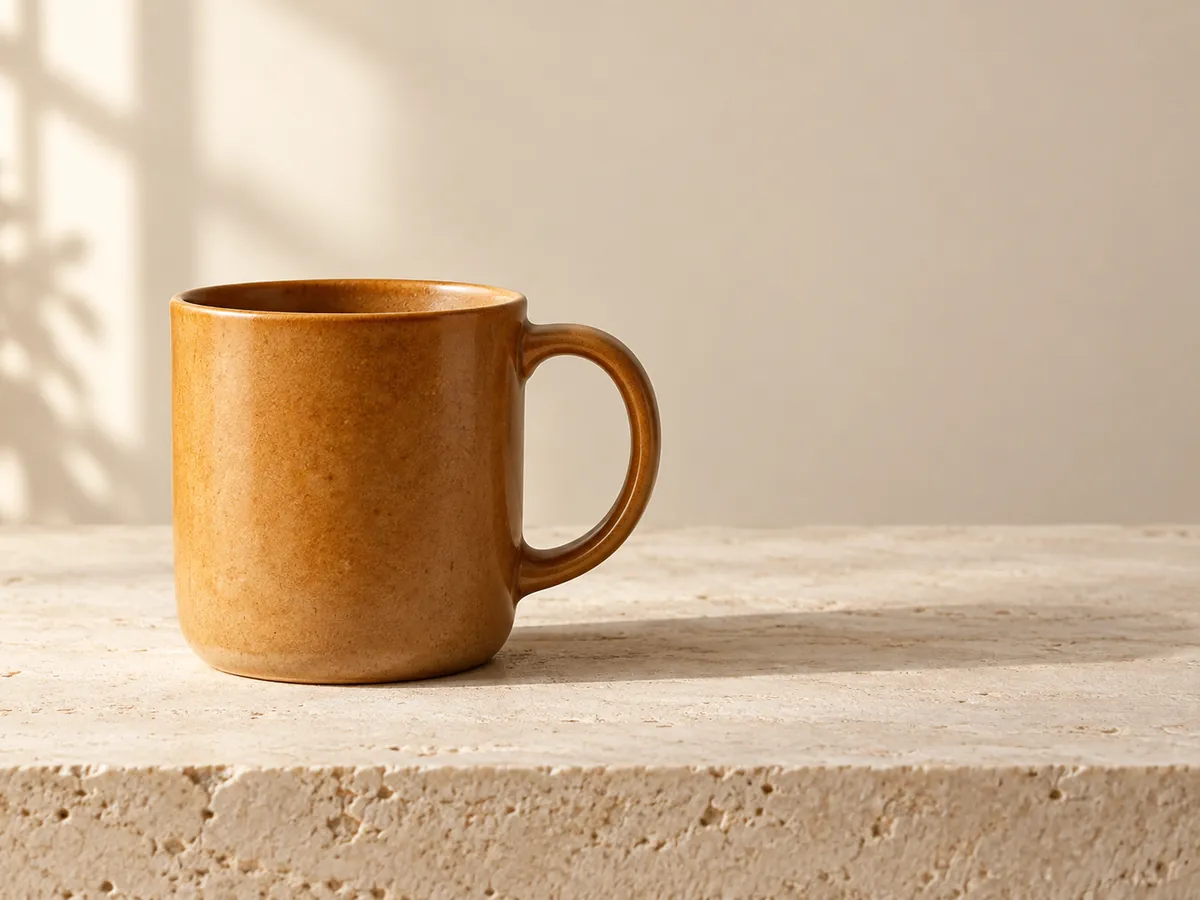
A single matte amber ceramic mug on a pale stone table, soft window light from the left, a small natural shadow, quiet cream background, eye-level product photograph, handle clearly visible, empty space on the right for a caption, no additional objects.
Review the handle and object count first. If extra props appear, simplify the setting before adding more style words.
A poster with a short headline
Practice visual hierarchy and exact text with a deliberately short message.
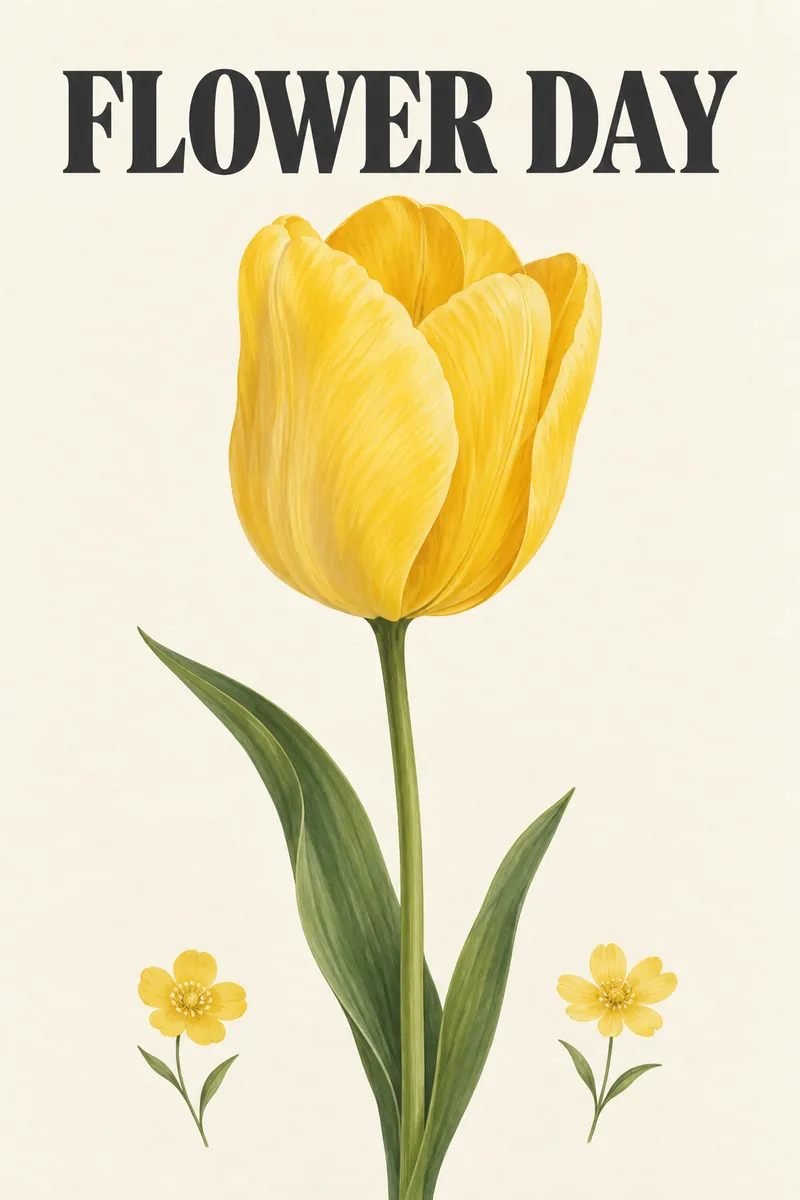
An editorial poster for a weekend flower market. One large illustrated yellow tulip on an ivory background. The exact headline “FLOWER DAY” appears at the top in clear dark lettering. Two smaller flowers near the bottom, generous spacing, simple warm palette, portrait composition, no other text.
Check every letter at the display size. A Nano Banana result is a draft until the headline and spacing are readable.
A reference-led scene change
Practice preserving an identifiable subject while changing the surrounding scene.
Use the uploaded object as the main subject. Preserve its silhouette, visible color, and identifying details. Place it on a light wooden desk beside a closed notebook, warm morning light, tidy background, three-quarter camera angle, realistic material texture, enough empty space above the subject, no extra copies.
Compare identifying details with the reference. Fix one difference at a time instead of rewriting the entire scene.
Your first Nano Banana workflow
Complete one small task before expanding to a campaign. This workflow makes each decision visible: the purpose, the input, the result, and the next change.
- 1
Choose a deliverable and one success criterion
Decide where the image will go: a social post, a product card, or a slide. Choose the shape and most important detail. “A portrait poster with one readable headline” is an easier first task to assess than a complete campaign.
- 2
Choose the model, mode, and prompt
Confirm the model label in Nano Banana, then choose text or image mode. Describe the subject, setting, treatment, and priority. Explain what to keep from a reference. Check the displayed cost before submitting.
- 3
Review the first result at its destination size
Inspect the subject count, composition, text, and identifying details. Zoom for defects, then check the thumbnail or slide size where viewers will see it. Keep the first result and prompt together as a stable baseline.
- 4
Change one instruction and compare
Rewrite the part that missed your goal. Move the subject, shorten the headline, or simplify the background. Compare the same success criterion in the next result. Download the version that meets the brief and keep its prompt.
Choose a Nano Banana model for the task
The family includes distinct model pages and controls. Use the visible selector and each guide to choose. Keep the same prompt when comparing options with Nano Banana; changing the model and instructions together makes comparison harder.
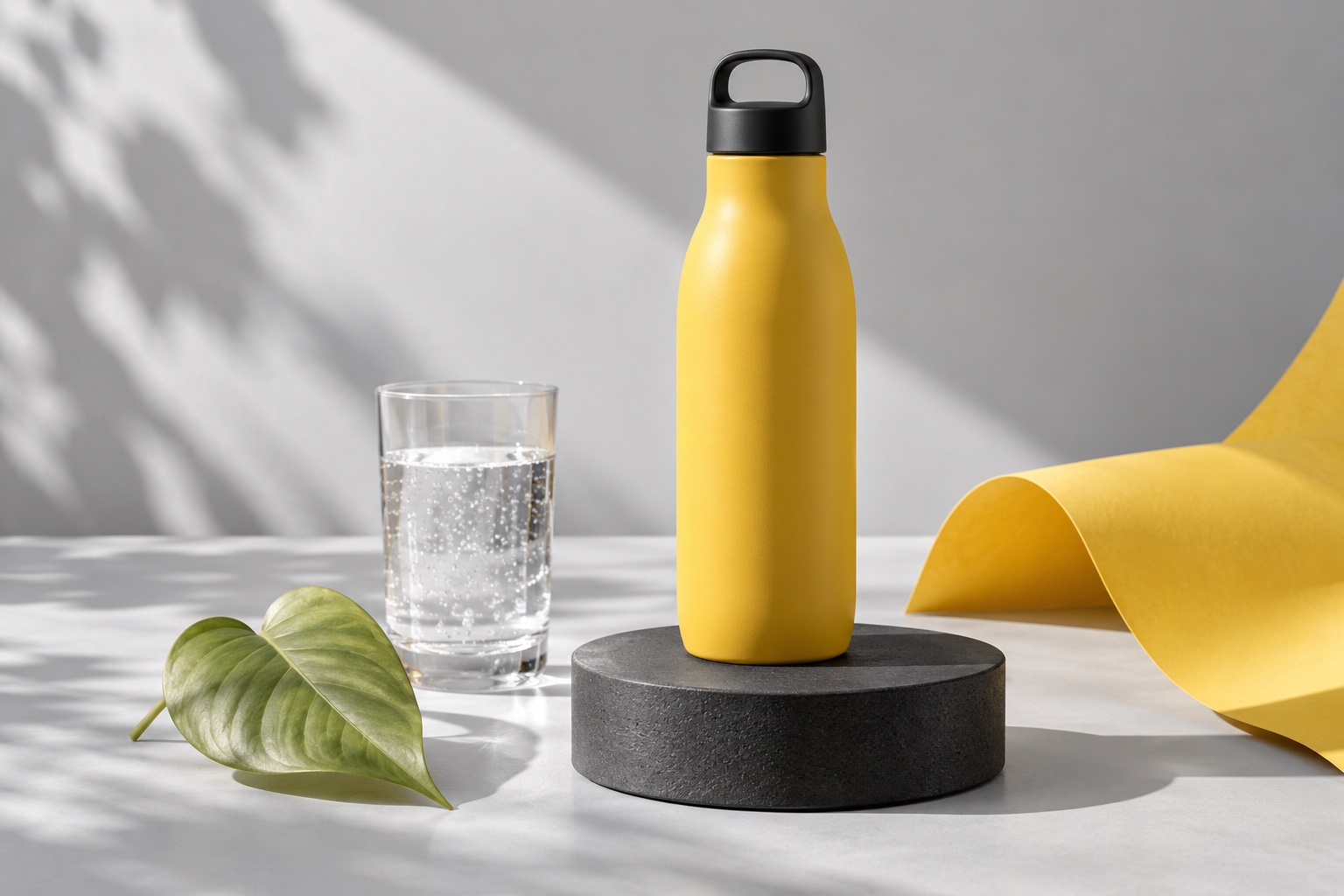
Nano Banana 2.1
The initial selection supports text creation and reference edits with resolution and format controls.
Check its guide for current aspects, reference limits, and credit cost.
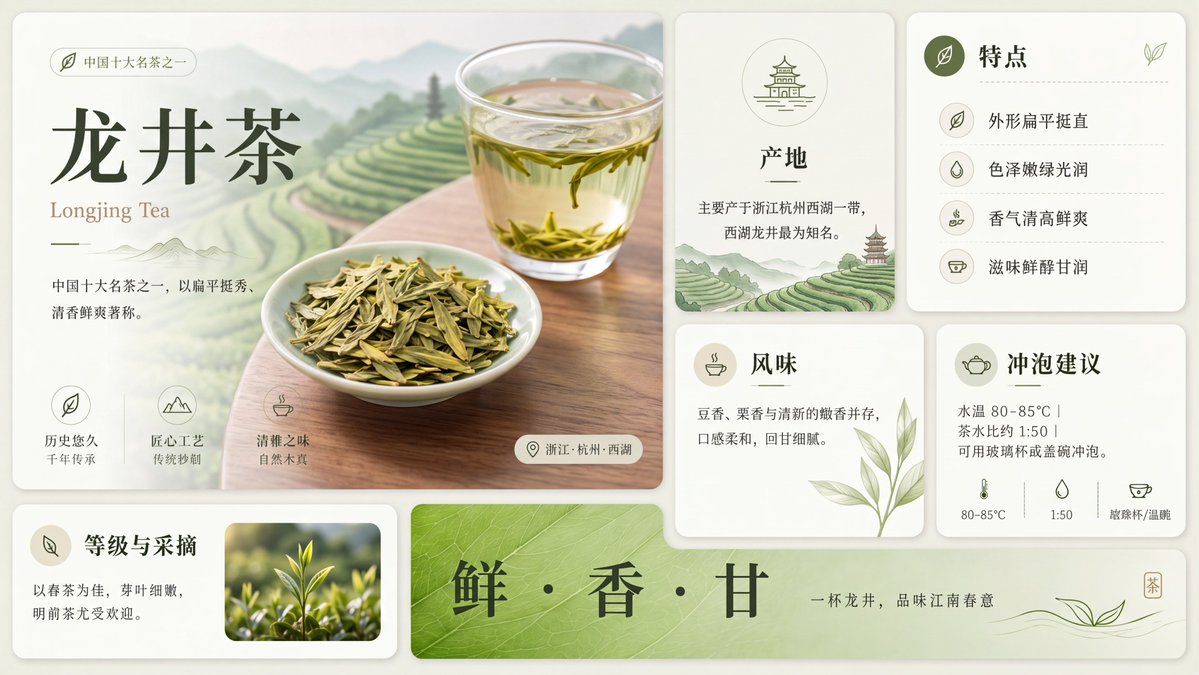
Nano Banana 2
Explore another family version through its dedicated page and settings.
Compare the same subject and prompt at the intended display size.
Nano Banana Pro 2
Explore the Pro guide for detailed composition and refinement tasks.
Confirm the real selected model before making a paid request.
Nano Banana 2 Lite
Explore a lighter option for drafting different visual directions.
Judge your own task; a gallery alone is not a comparison method.
Review Nano Banana results with a short checklist
A good first image meets the task you described. Use this checklist before publishing it in a page, presentation, or post. Connect any issue to one instruction you can revise.
The main subject is unmistakable
Count important objects and check their relationships. Extra hands, duplicate products, or misplaced details need another review even when the overall image looks attractive.
The layout fits its destination
Check cropping, empty space, and the focal point. A square thumbnail may feel cramped in a wide slide. Set the shape before making decorative revisions.
Text is correct and readable
Check spelling, punctuation, numbers, and spacing letter by letter. Verify exact text in a Nano Banana result at its final size.
Reference details remain recognizable
Compare the feature you asked to preserve with the reference. Specify its shape, mark, or color instead of asking broadly for more similarity.
The next change is specific
Write one correction you can observe in the next result. Save the prompt and image together so you can repeat or revise the successful direction.
Try one clear idea in Nano Banana
Open Nano Banana, write a concrete prompt, and compare the first result with one useful success criterion.