
Start with a sharp front view. You can add up to two close-ups, such as a texture or fastener. Use photos of the same variant so the color and finish stay consistent.
Kling Image 4.0 · Make your product photos tell the whole story
Give shoppers a clear first look at the product. Then build a vertical detail image that lets them see how it’s made, how big it is and what comes with it.
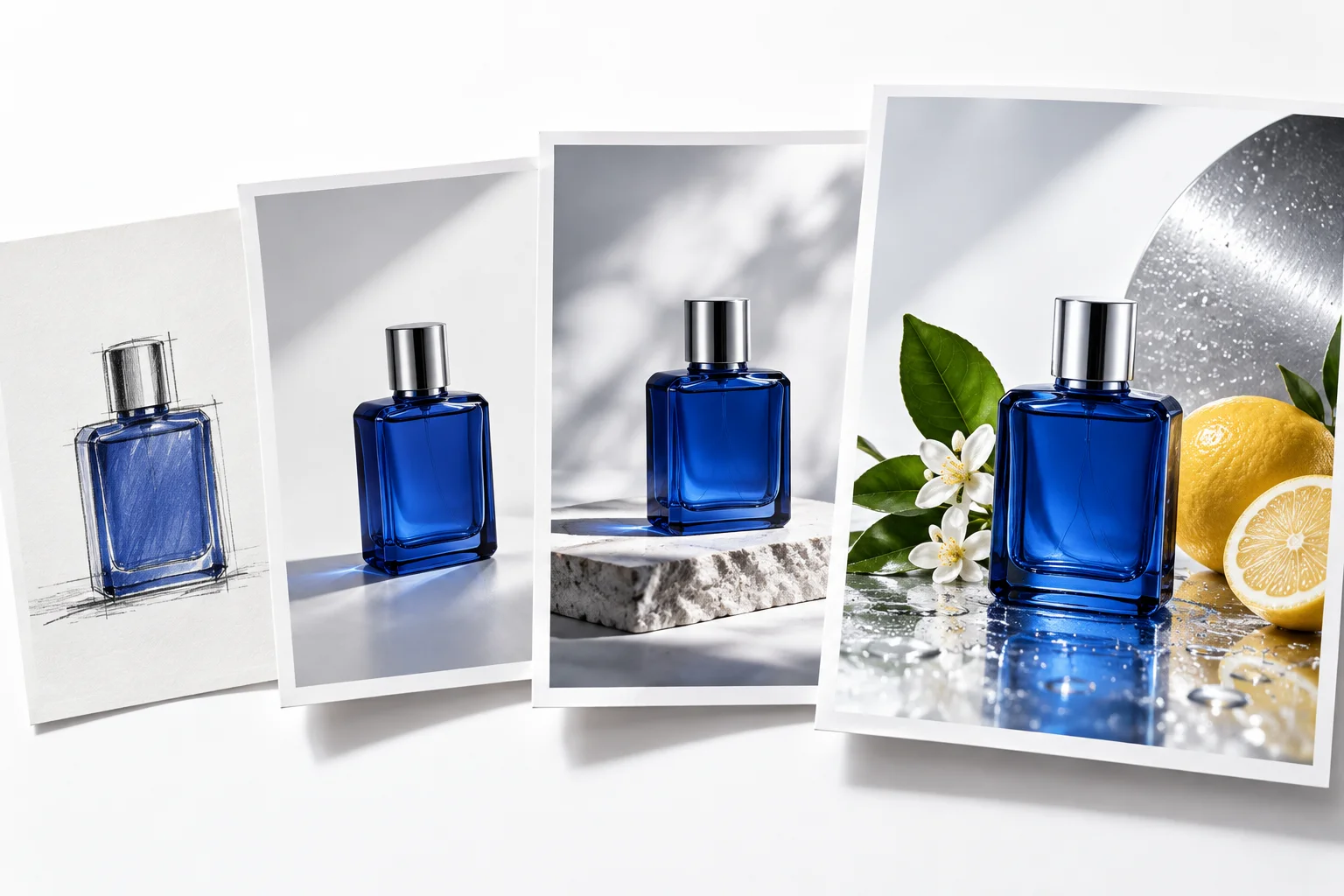
Kling Image 4.0
In your prompt, say which detail each reference photo should guide.
Choose Model
Workflow
0/20000 characters
Current Balance: 0
0 Available
What are you making for your store?
Image
Create a clean listing cover with space around the product for the title or price.
- Count
- 1–9
- Quality
- 2K · 4K · 8K
- Reference Images
- 0–10
Image series
Keep the background and framing steady so shoppers can compare finishes or angles side by side.
- Count
- 2–10
- Quality
- 2K · 4K · 8K
- Reference Images
- 0–10
Ecommerce long image
Match the length to your content. Put the main selling point first, then give materials and included items their own space.
- Count
- 1
- Quality
- 1K · 2K
- Reference Images
- 1–3
Webpage long image
Sketch a storefront or collection page. Describe the navigation, category blocks and contact area in the order you want them to appear.
- Count
- 1
- Quality
- 1K · 2K
- Reference Images
- 0–2